Shortcodes
Float image
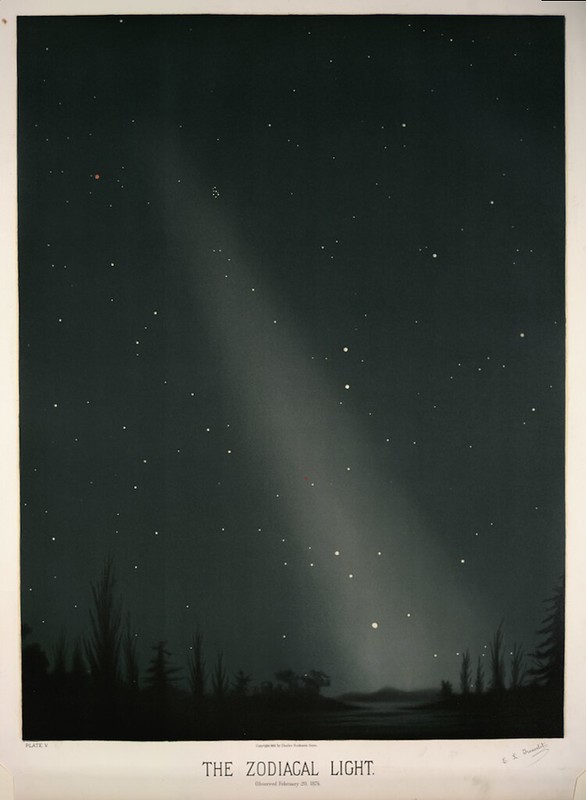
Move an image around and let the text wrap around it.
place is direction [width] [outside]. Pick left, right, or center.
Width defaults to 40 and outside to 0. Plain numbers are percentages of the
content width (not the image); units such as px and rem work too.
Example:
{{< float-image
  src="the_zodiacal_light.jpg"
  alt="The zodiacal light"
  place="right 35 8"
>}}
Page margin
Add a quiet aside beyond the right edge of the main text. It grows from 10rem
to 20rem and disappears when the screen is too narrow to hold the margin.
Example:
{{< page-margin >}}
Some thoughts belong just off to the side.
{{< /page-margin >}}
Code tabs
console.log("Hello, world!");print("Hello, world!")Wrap fenced code blocks in code-tabs and give each one a title. The language
is used as the title when title is missing.
Example:
{{< code-tabs >}}
```js {title="JavaScript"}
console.log("Hello, world!");
```

```python {title="Python"}
print("Hello, world!")
```
{{< /code-tabs >}}
Details
What is inside?
Anything you can write in Markdown, hidden until it is useful.
Use details for optional notes, spoilers, or long explanations.
Example:
{{< details summary="What is inside?" >}}
Anything you can write in Markdown, hidden until it is useful.
{{< /details >}}